The driver app runs the whole route.
From the first vehicle check to the last signature, the PRO driver app keeps the day on one screen: the route, every stop, every unit, photos, notes and GPS pins, synced back to the office. It keeps working when the signal does not.
Start the truck, run the route, close the stops, sync.
Every screen below is from the PRO driver app. The driver never leaves it between the yard and the last stop.
Start of day
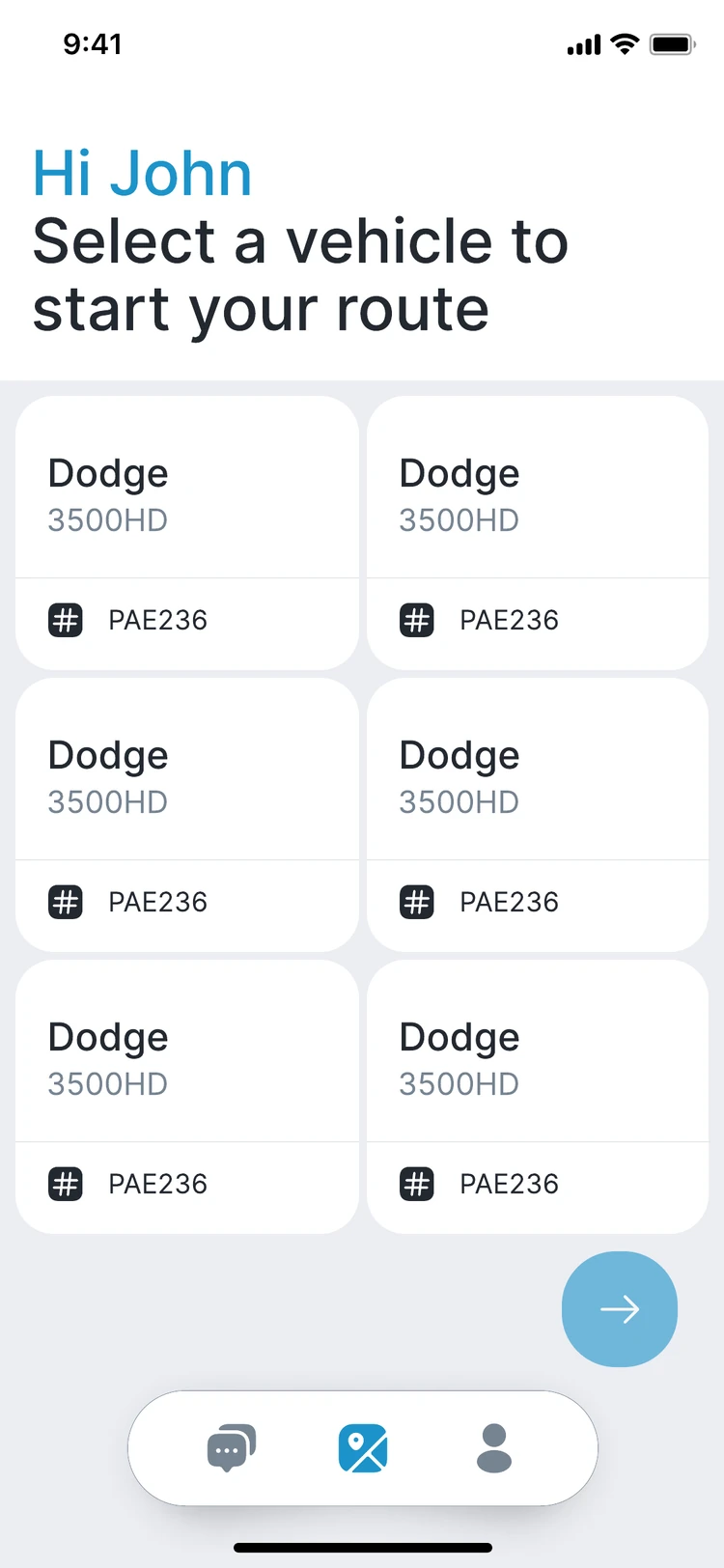
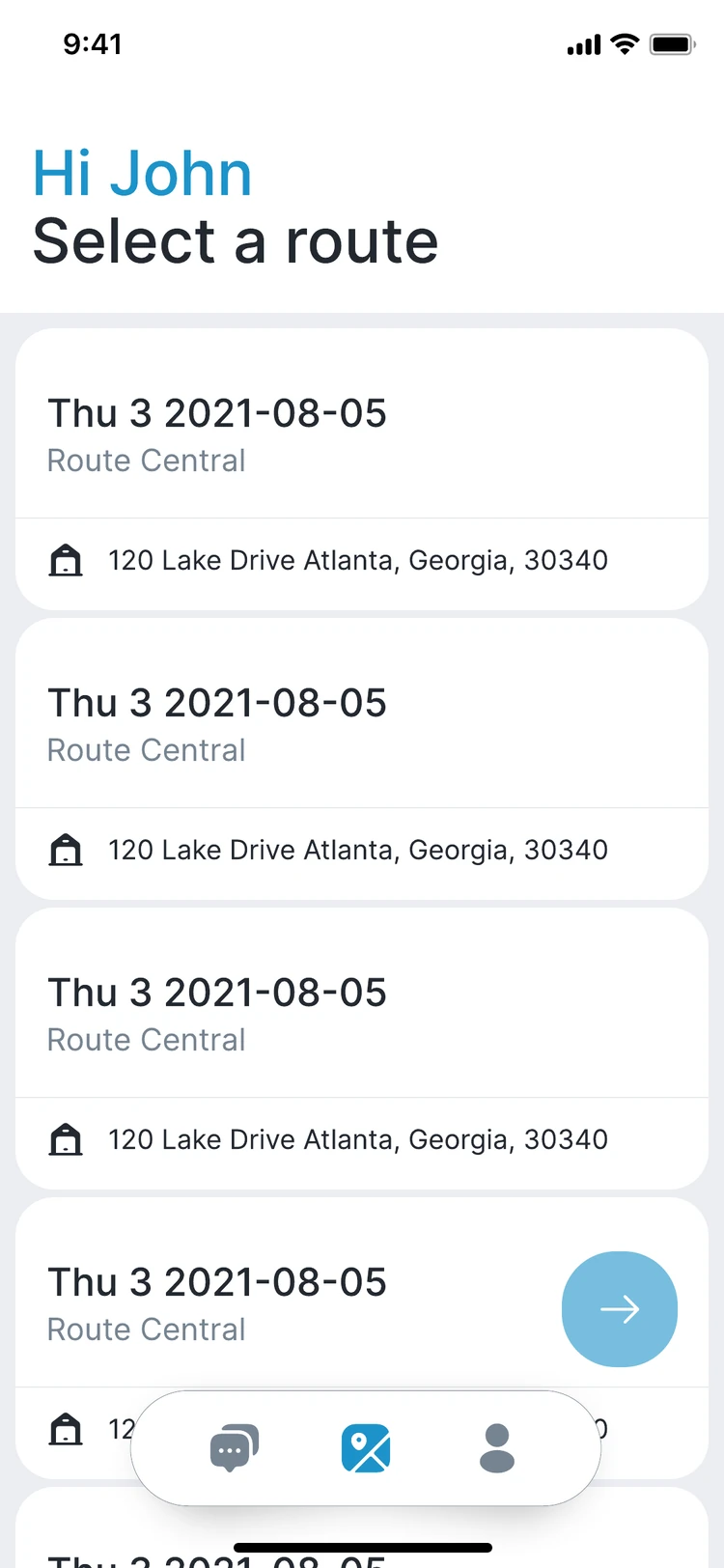
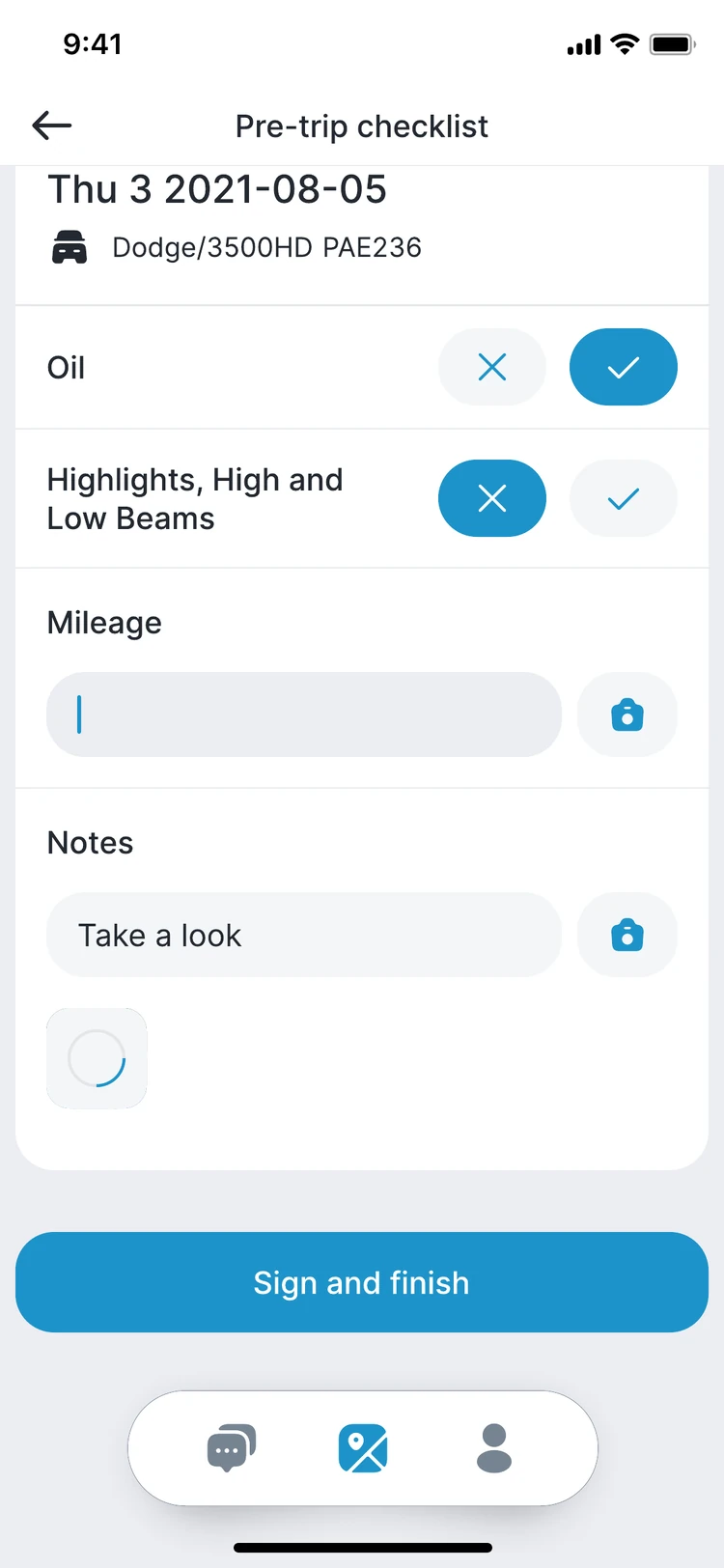
Pick the vehicle and the route, run the pre-trip checklist, sign.
Run the route
Stops in order, scan the unit, mark it serviced, pickup or dropoff.
Record the details
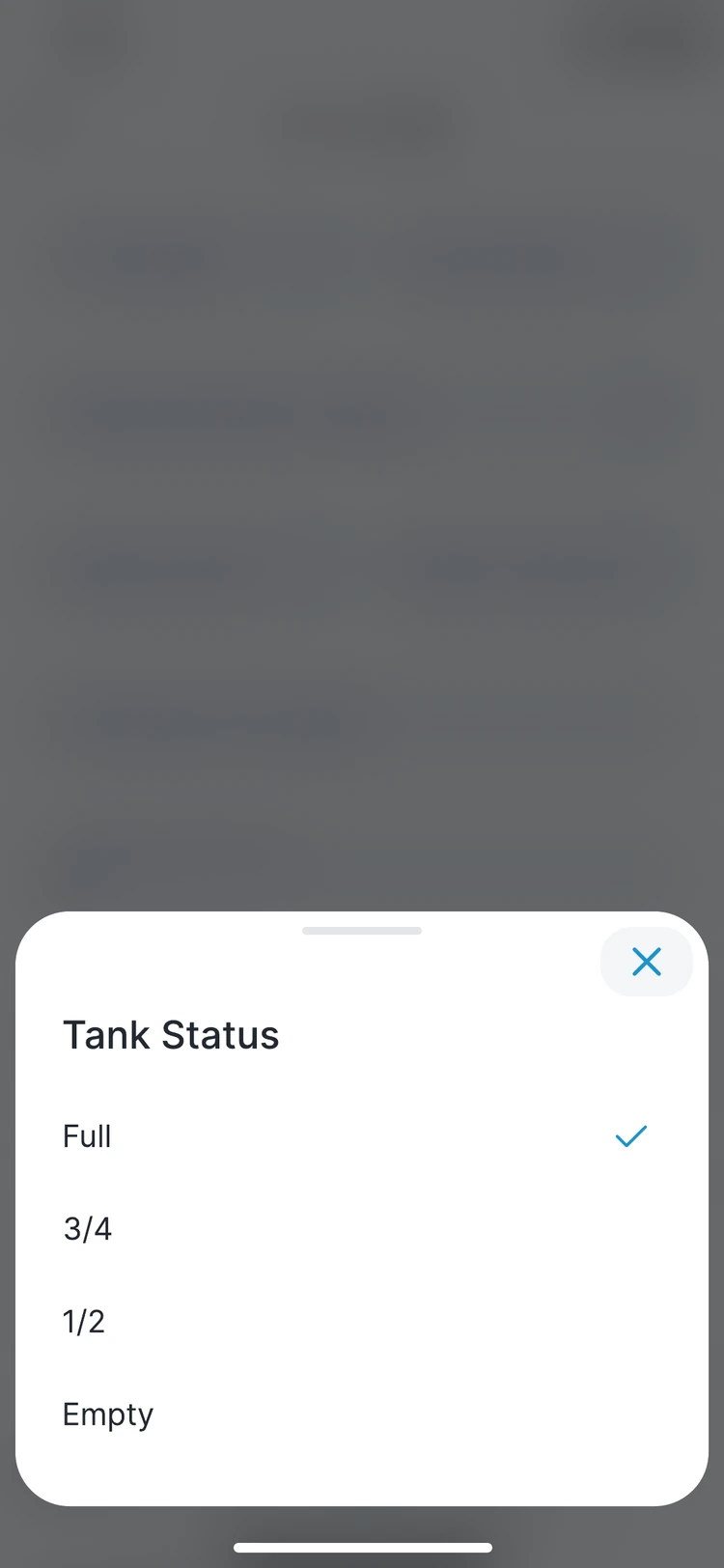
Tank status, gallons and pH, photos, notes and a GPS pin where the unit sits.
Close and sync
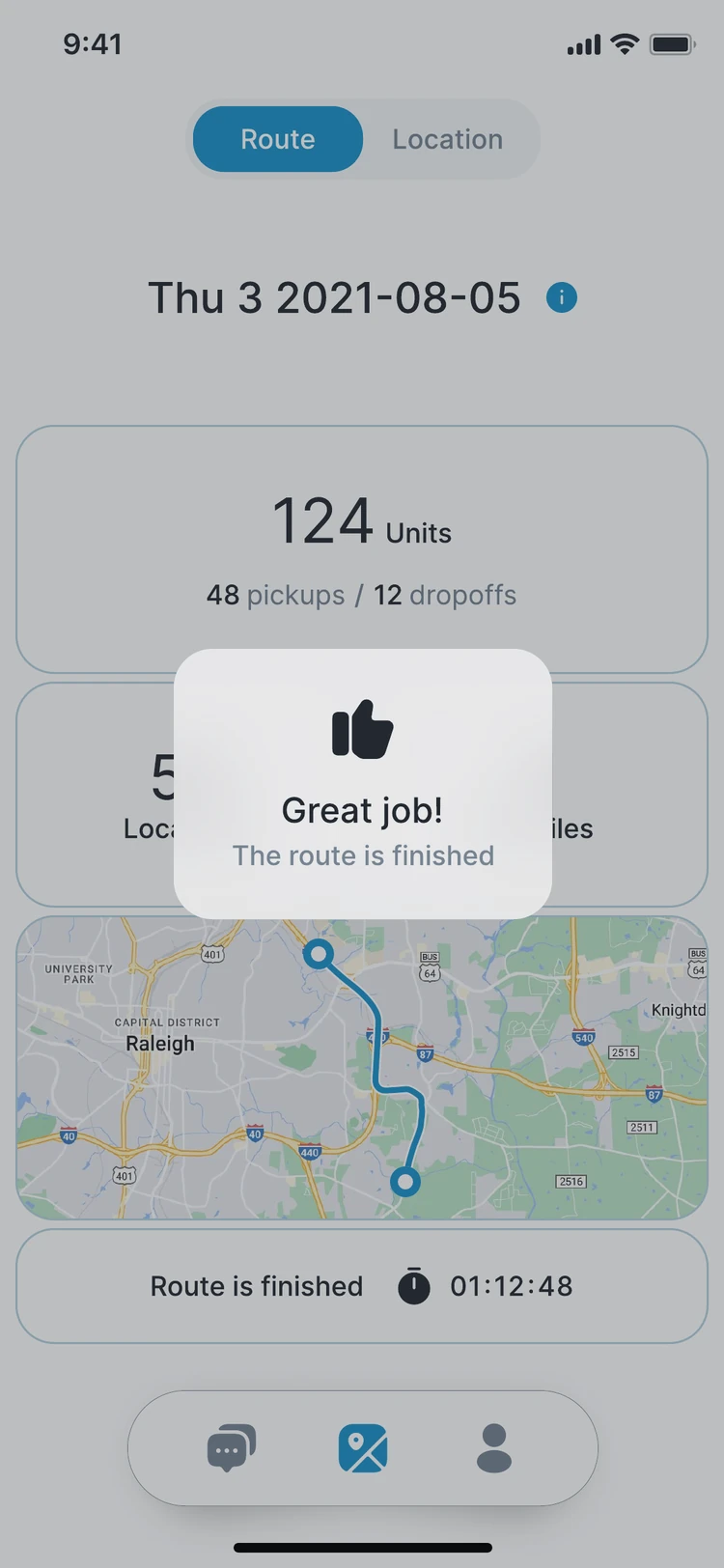
Close each location, finish the route, post-trip checklist, everything synced.
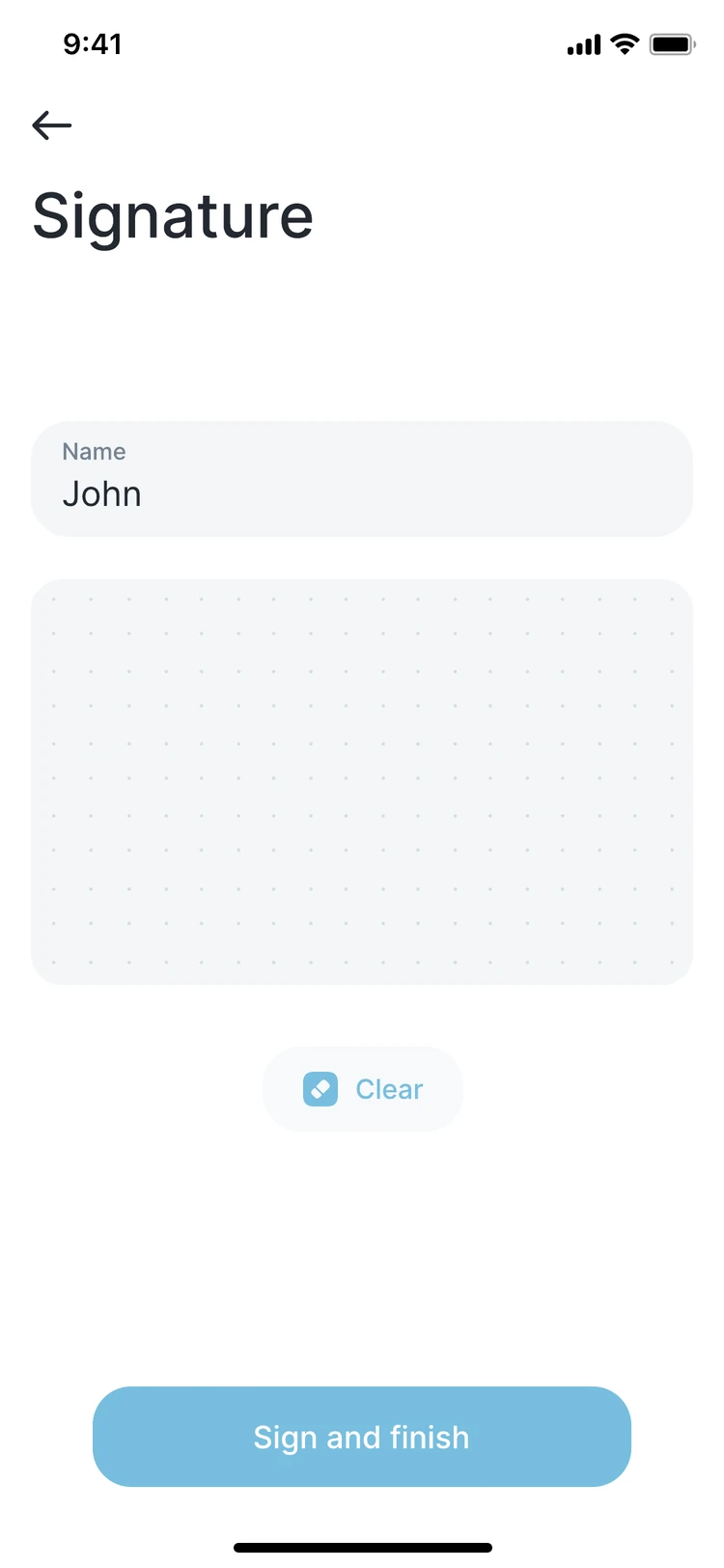
Vehicle, route, checklist, signature.
The driver picks the truck and the route from the lists dispatch already keeps, then works through the pre-trip checklist before the wheels turn.
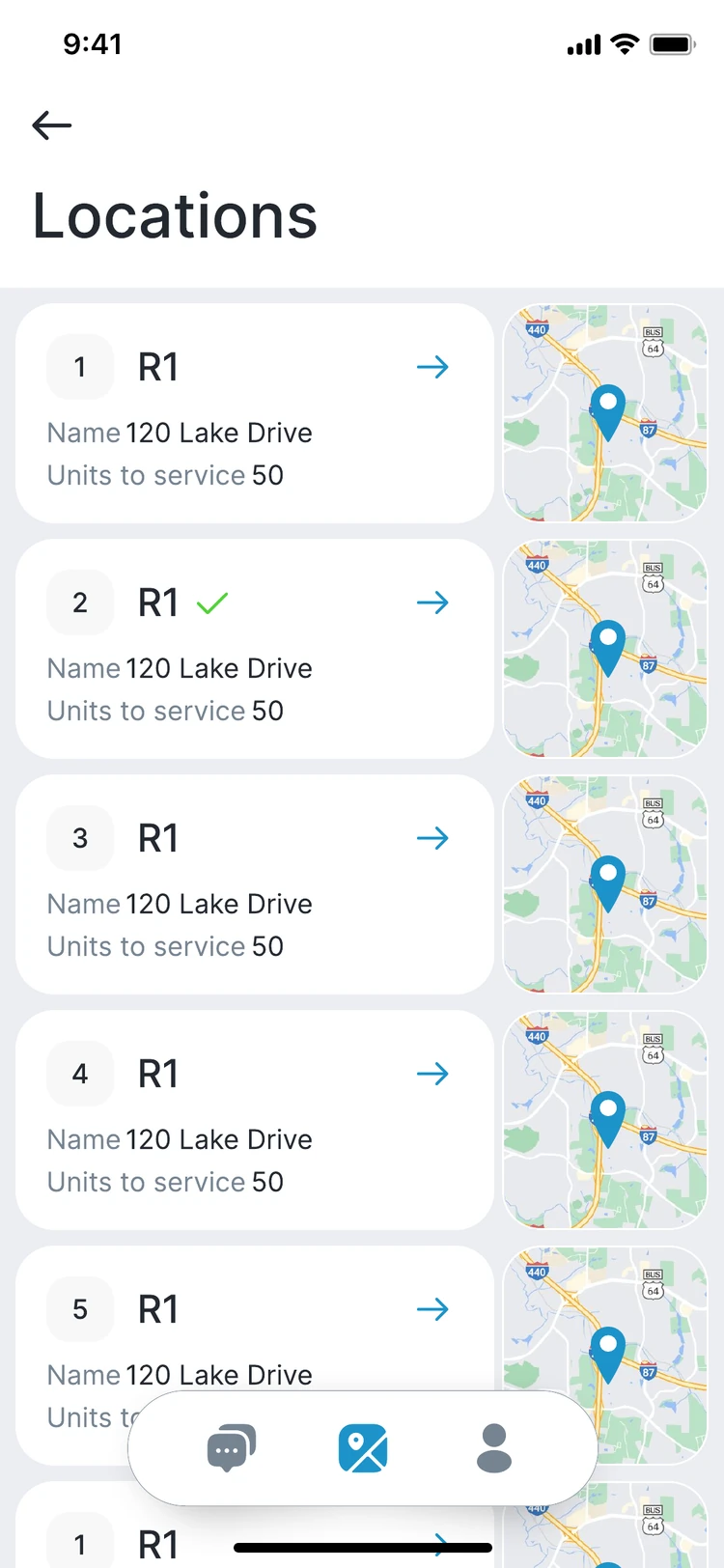
Every stop, every unit, in order.
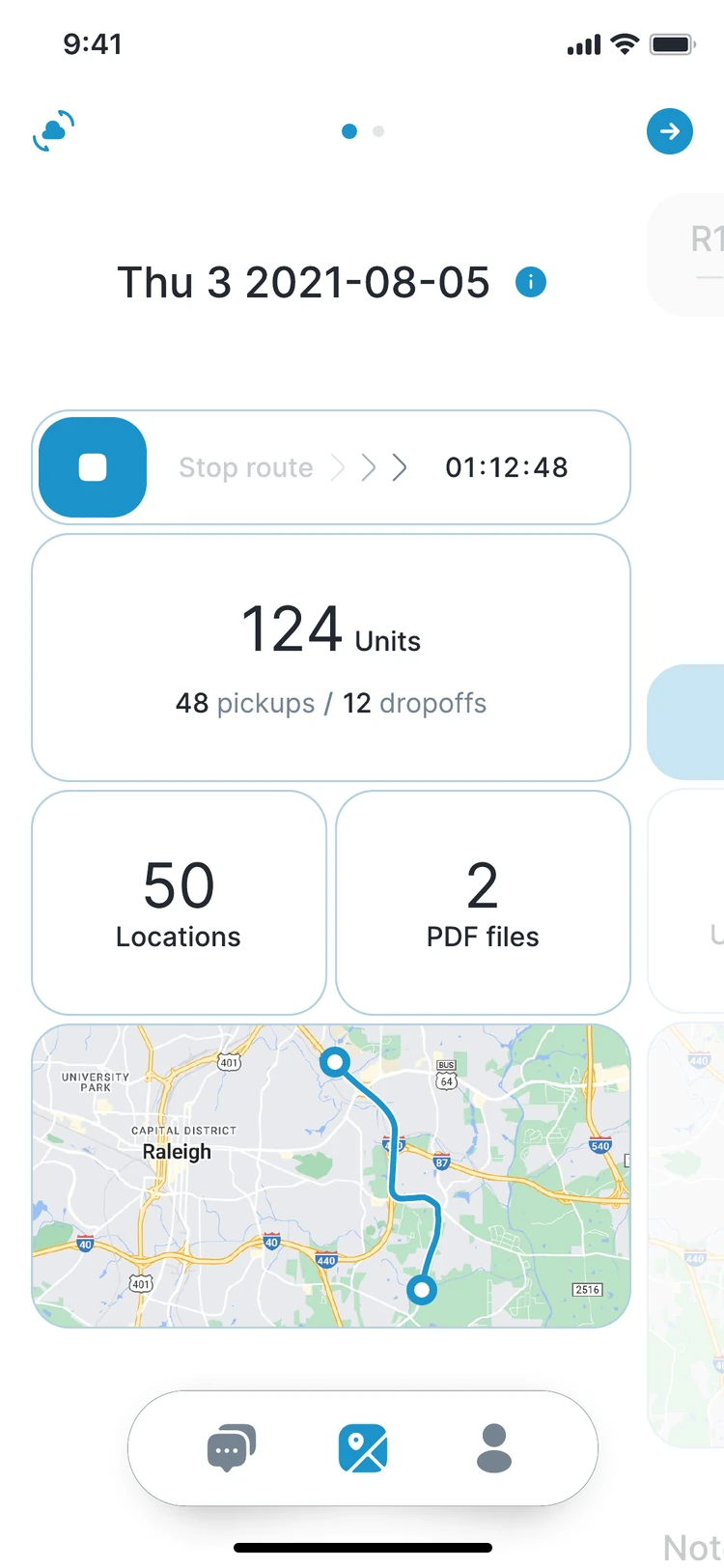
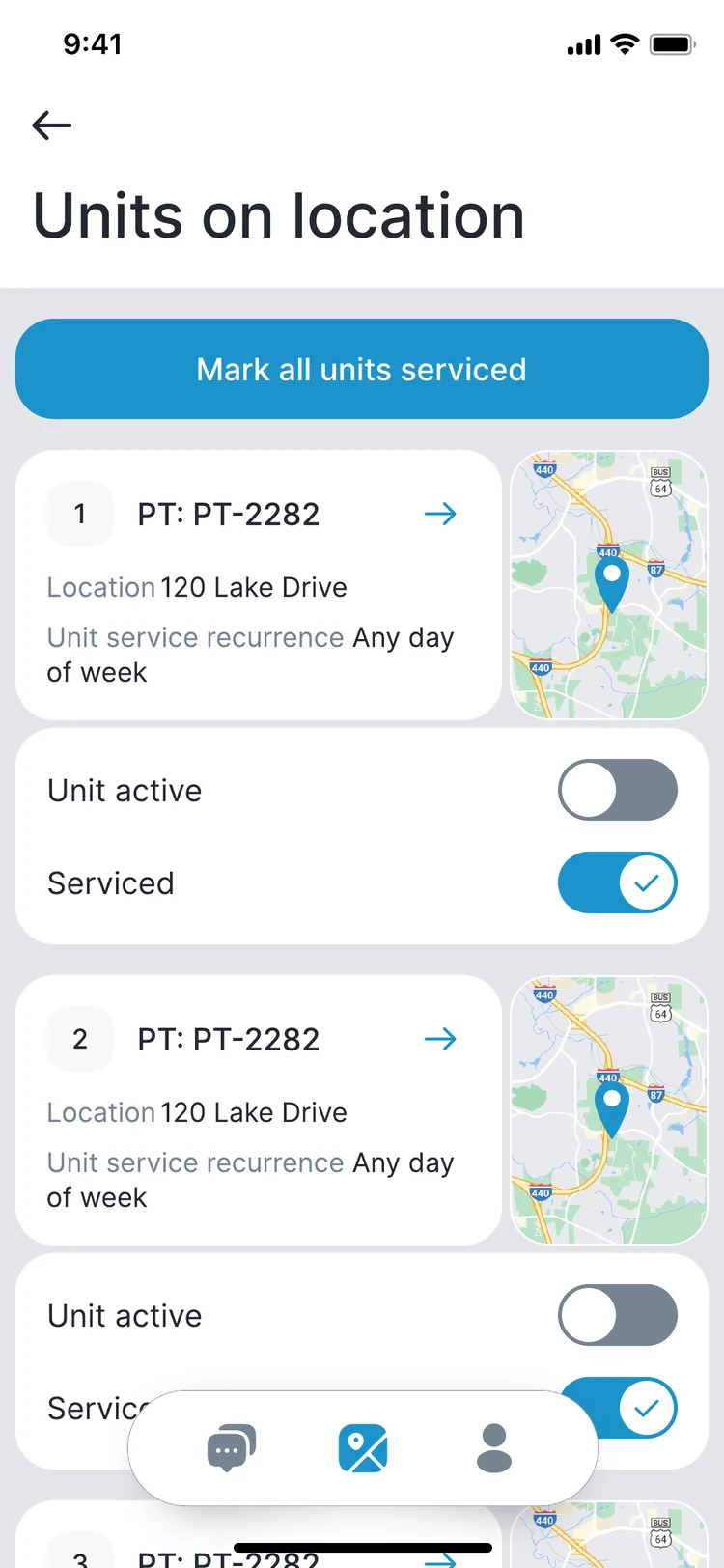
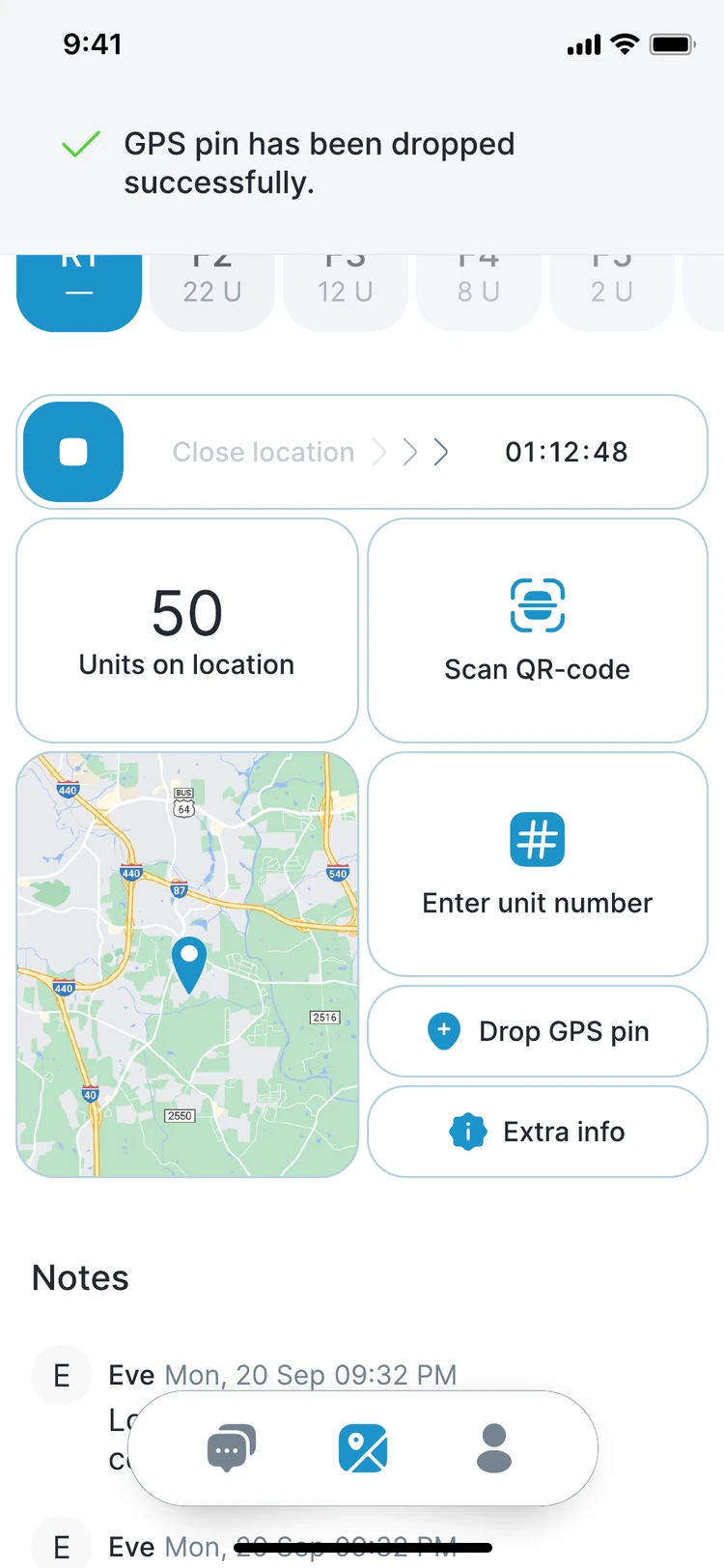
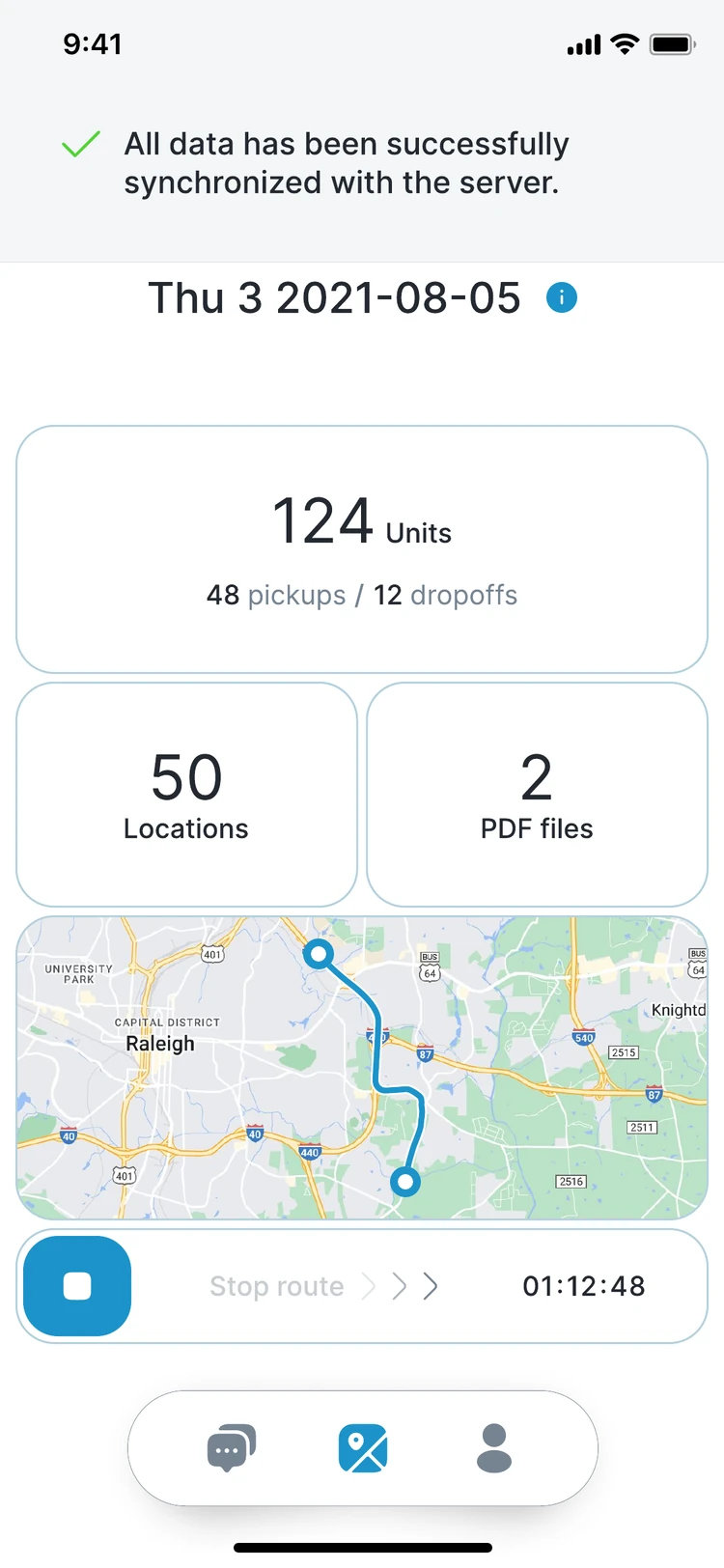
The route overview shows the timer, the unit count, pickups and dropoffs, locations and the map. Each stop lists its units; the driver scans the sticker or types the code, then marks the unit serviced, not serviced, pickup or dropoff.
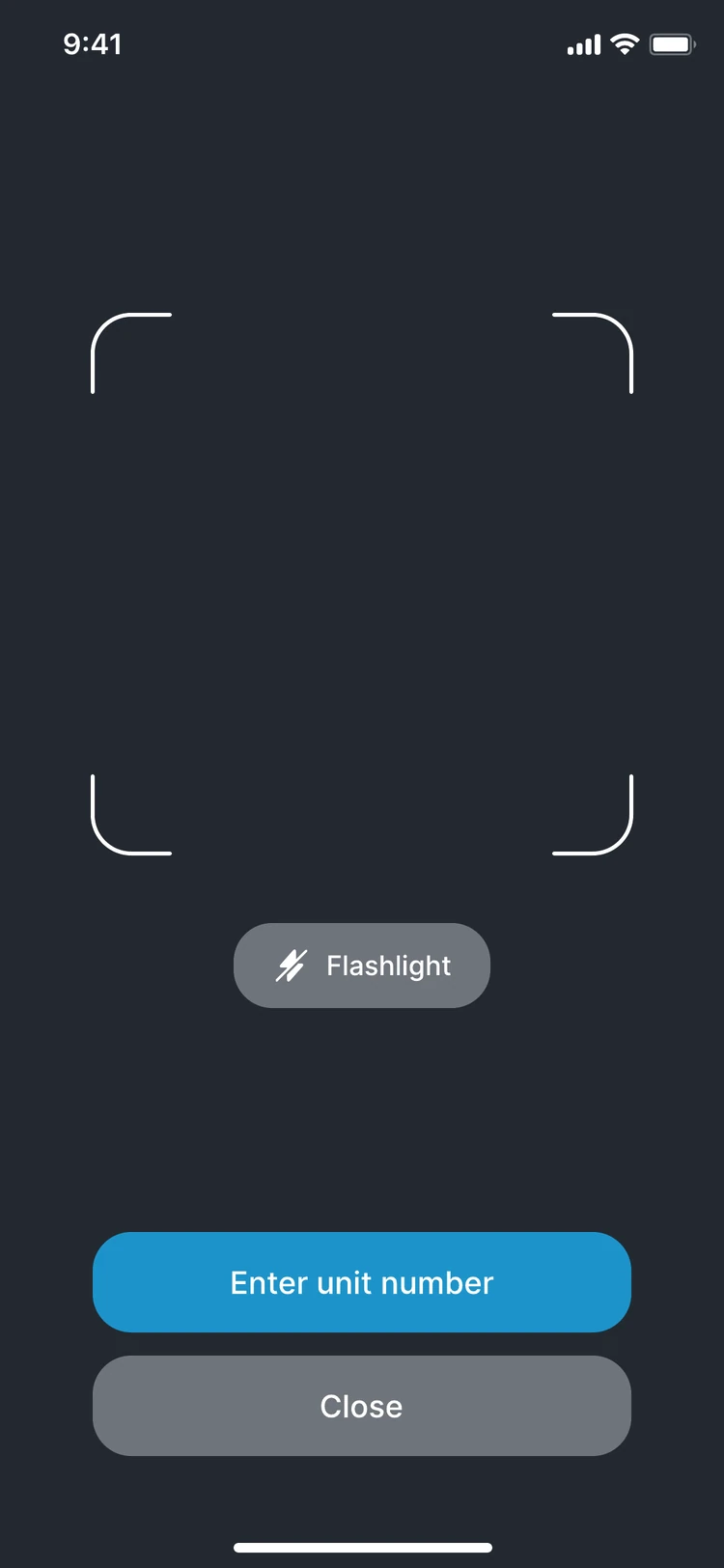
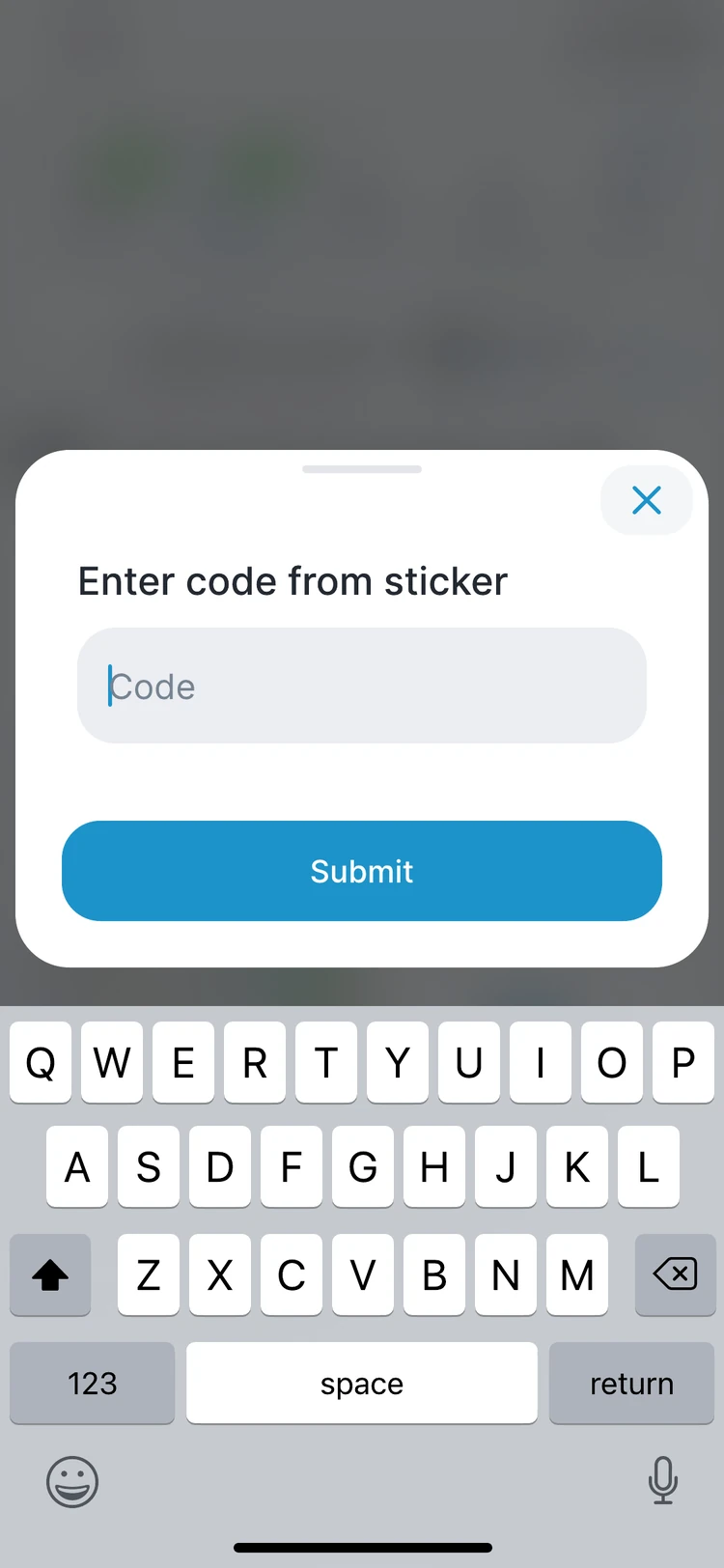
What the office needs, captured at the unit.
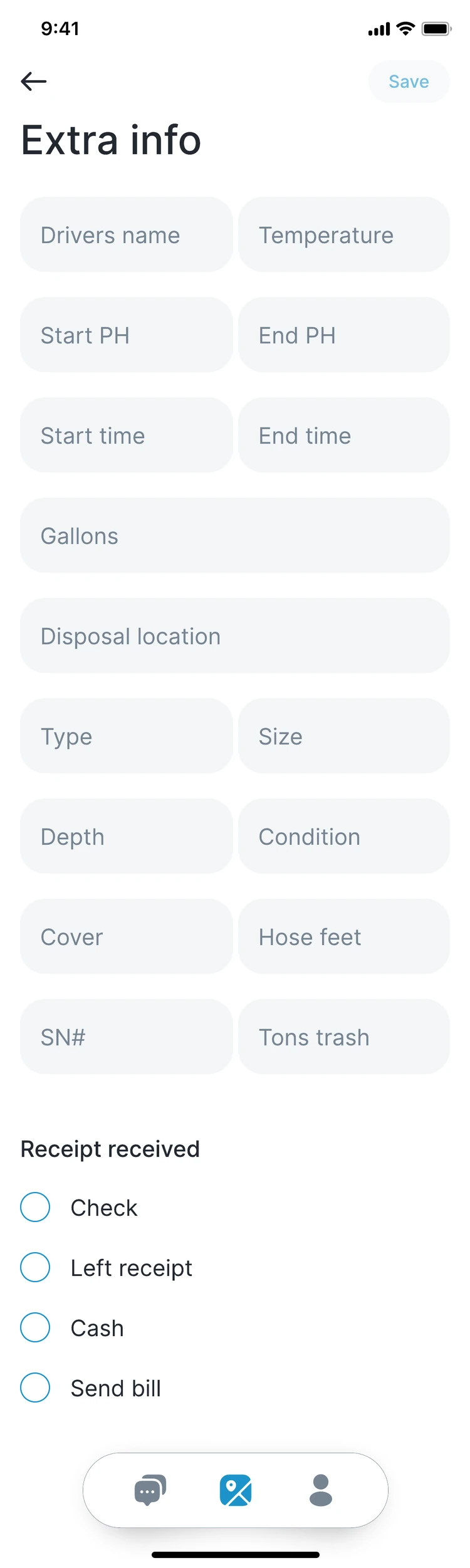
Service fields follow the division. Portable restrooms get tank status and freshwater demand. Septic and grease get temperature, pH, start and end times and gallons. Every stop can take photos, notes and a GPS pin.
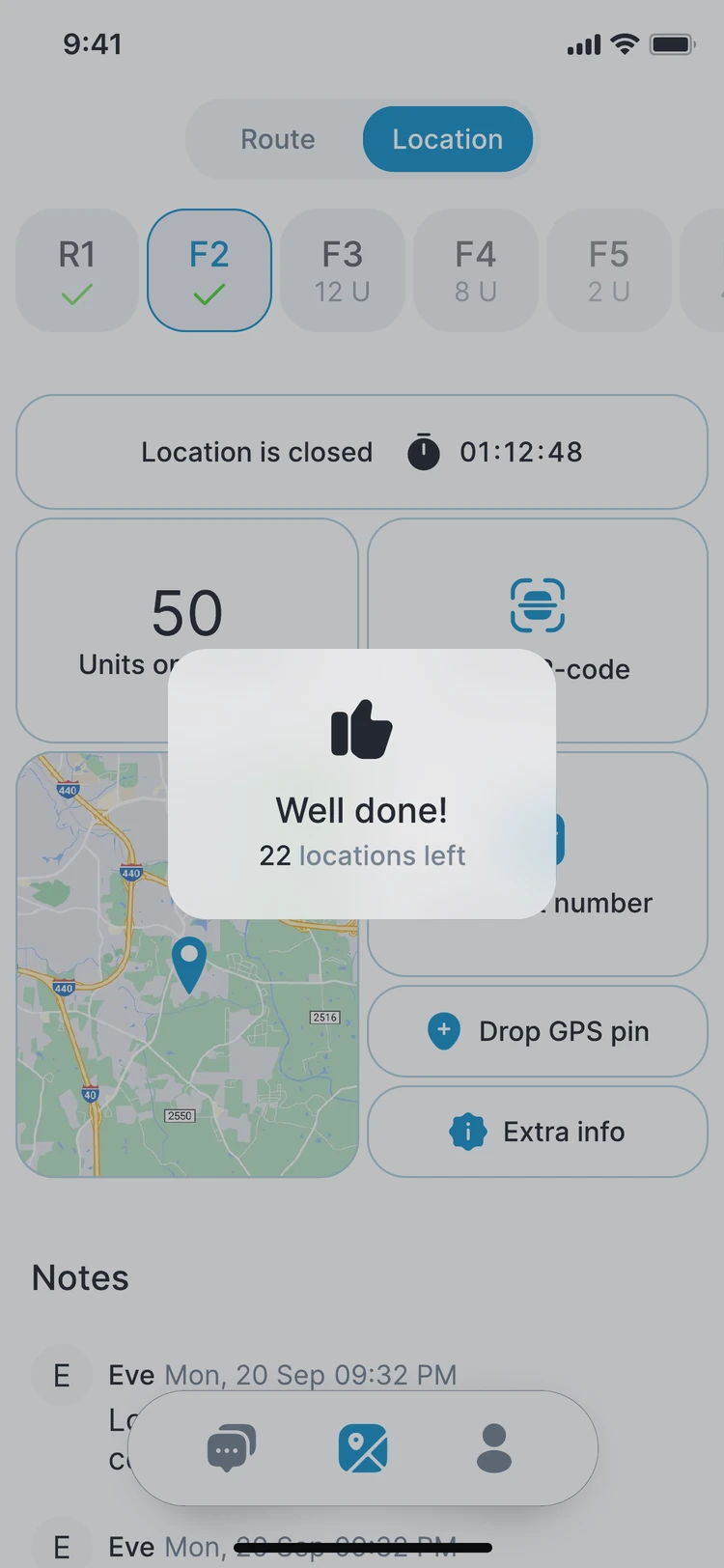
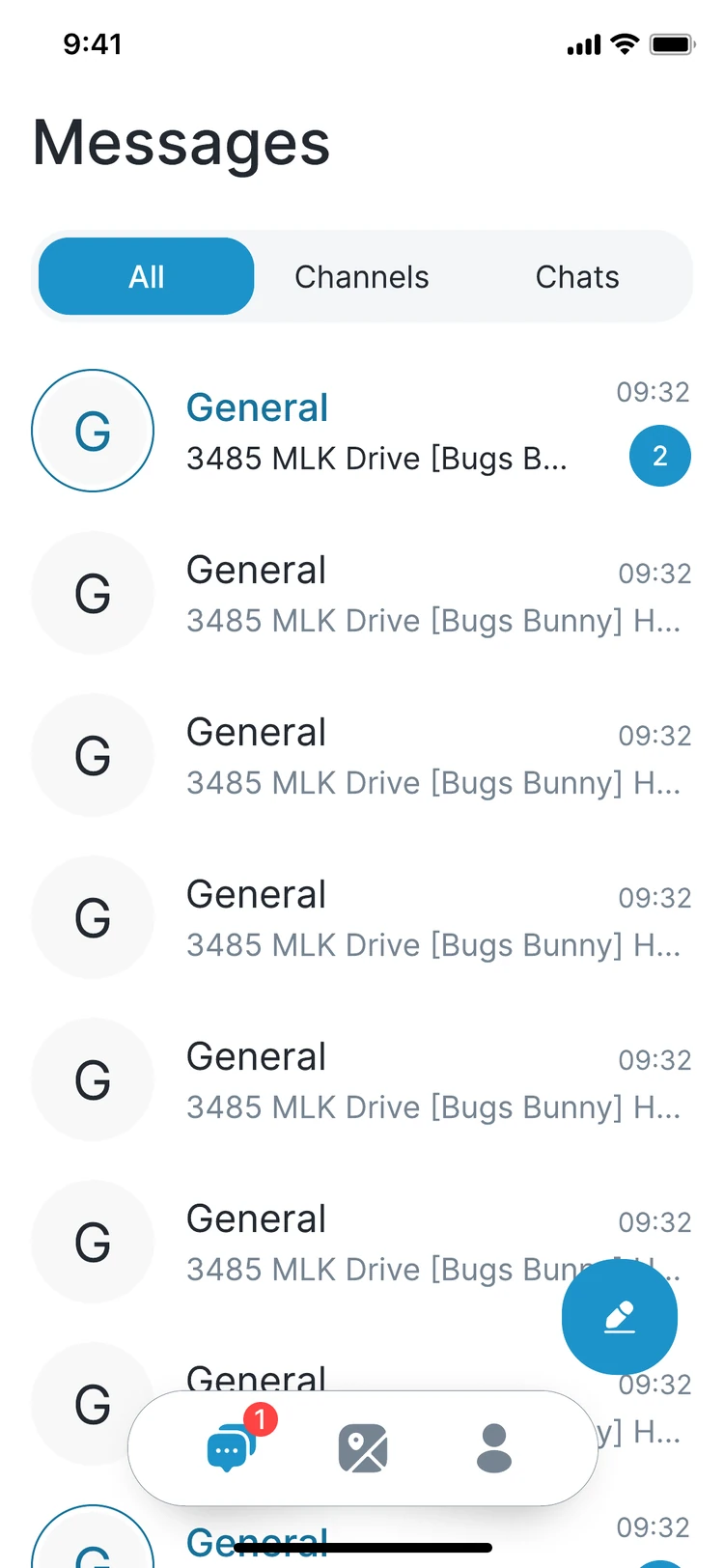
Finish the route, talk to dispatch, stay current.
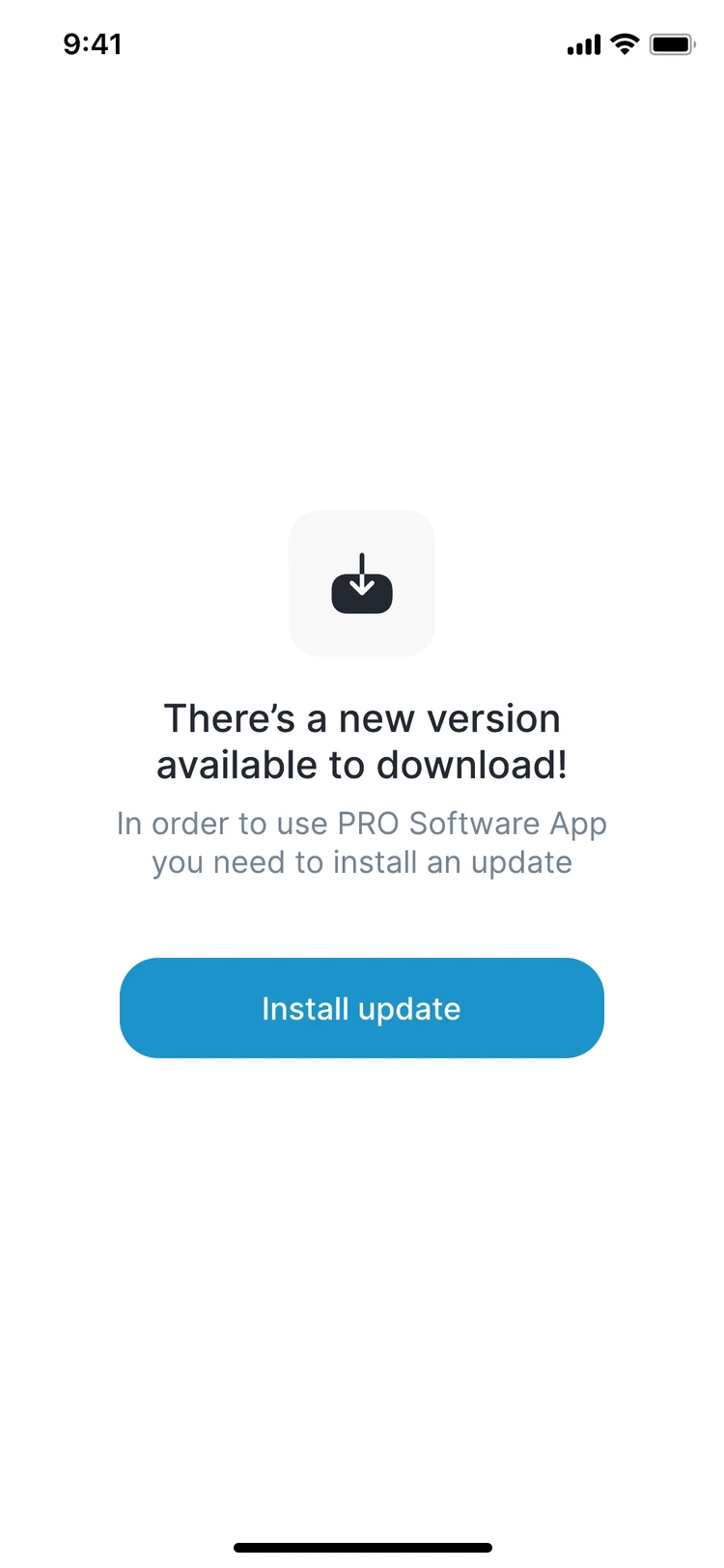
When the last location closes, the app runs the post-trip checklist and signature. Messages keep drivers and dispatch in one place, with channels and direct chats tied to the stop. Data syncs to the server with a visible confirmation, and updates install from the app.
What the app records
Built to run with PRO Enterprise
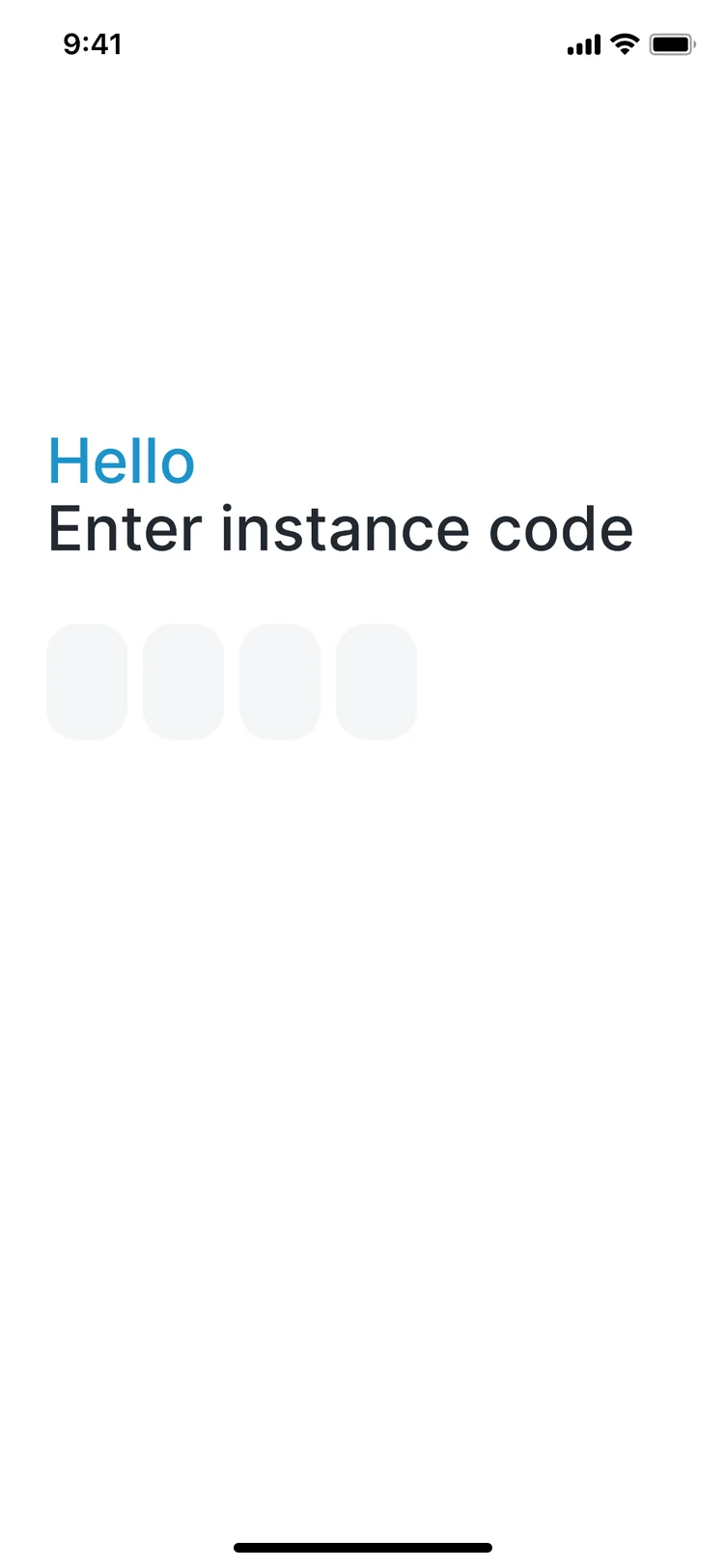
The app connects to your PRO instance with a code and works from the same routes, sites and units dispatch plans in the office. When the signal drops it keeps going and syncs when it is back.
Screens show the PRO driver app with sample data.
See the driver app on your routes.
Bring a route sheet to the discovery call and we will walk it through the app, stop by stop.